

Key Takeaways
- Owner.com can become costly for restaurants when monthly fees, per-order charges, and implementation costs are added together.
- The best alternatives help restaurants accept direct orders, reduce dependency on third-party platforms, and protect margins.
- Restolabs offers commission-free online ordering from $69 per month, with expert setup, flexible contract-free plans, and tools built for single and multi-location restaurants.
- Restaurants should compare platforms based on POS integrations, customer data ownership, setup speed, contract terms, and checkout experience.
Why Restaurants Look for Better Online Ordering Alternatives
If Owner.com looked promising at first, the appeal is easy to understand. Restaurant owners want direct orders, stronger customer relationships, and fewer moving parts between the kitchen and the guest.
But the moment fees, setup costs, or integration work start eating into the upside, the math changes. A platform built to grow direct orders should not make operators wonder whether each order is still worth it.
That said, market-leading review sites indicate that many restaurant owners have found that Owner.com doesn't always meet their expectations regarding integration, customization, and fees.
For example, one review shared, "Integration was a bit hectic, and we did some of the work ourselves." At the same time, another mentioned the need for more customization, especially with the loyalty program. Additionally, with a $500 per month subscription cost, a 5% per order fee, and a $1,000 implementation cost, the platform's pricing often fails to justify the value it delivers.
That is why many restaurants compare Owner.com alternatives before committing. The right platform should help restaurants launch quickly, keep more revenue, connect with existing tools, and maintain ownership of customer data.
But before diving into the alternatives, it's essential to understand the key features your new system should offer to ensure it truly supports your restaurant's growth and success.
What Customer Reviews and Complaints Reveal
Before switching platforms, it helps to understand what operators actually experience—not just what the marketing pages promise. Across G2, the Better Business Bureau, and community forums, several recurring themes emerge for restaurant technology platforms:
- Integration friction: Restaurants report spending time manually connecting platforms that should sync automatically. One Owner.com reviewer noted doing integration work themselves.
- Billing transparency: Some Toast users have raised concerns about subscription billing and refund handling. Unexpected charges erode trust quickly for operators managing tight margins.
- Support responsiveness: Delayed or hard-to-reach support becomes a real operational risk when orders go missing or the system has issues during a dinner service.
- Limited customization: Loyalty programs and menu layouts that cannot be tailored to a restaurant's specific workflow create friction for both staff and guests.
- Contract lock-in: Some platforms require long-term commitments with costly exit clauses, making it difficult for restaurants to switch when their needs change.
- Order reliability: Reported instances of orders not appearing in restaurant systems—leading to missed tickets and poor guest experiences—are cited as a major pain point.
These patterns are worth comparing directly across platforms. The sections below use publicly available reviews and platform documentation to give an honest picture of each alternative.
Essential Features to Compare in Restaurant Online Ordering Software
When a guest abandons checkout because the ordering flow has too many steps, that lost order rarely comes back. When a restaurant can't pull its own customer list after months of direct orders, it loses the ability to run its own marketing. The features a platform includes—or excludes—shape these outcomes every day.
An excellent online ordering system goes beyond convenience to create a smooth, efficient experience for everyone involved. For restaurant owners, it means managing orders, tracking inventory, and keeping everything organized in one place.
Now, let's take a closer look at the must-have features of an online ordering and marketing system. Use this table as a buying framework when evaluating any platform.
The best Owner.com alternative should do more than process online orders. It should help restaurants keep margin, own customer relationships, launch quickly, and scale without getting locked into rigid contracts.
That is the lens used for the comparison below.
Feature Comparison: Ordering, Marketing, Loyalty, Delivery, and Website Tools
Price alone does not tell the full story. Use this matrix to understand which features each platform includes—and where each one falls short.
Top 5 Owner.com Alternatives for Restaurants
Owner.com focuses heavily on marketing automation. Toast starts from POS. DoorDash starts from marketplace reach. Restolabs is built around direct restaurant ordering, which makes commission-free pricing, branded customer experiences, and customer data ownership central to the platform.
Comparing Owner.com alternatives like Restolabs starts with understanding which category each platform leads with—and whether that category matches what the restaurant actually needs.
Side-by-Side Comparison Summary
True Cost of Ownership: Fees, Commissions, Add-Ons, and Setup Costs
Monthly subscription price is rarely the full story. A restaurant processing 500 online orders per month needs to calculate what each platform actually costs when subscription fees, per-order charges, payment processing, required add-ons, and onboarding are factored in together.
A restaurant running 500 direct orders per month through Popmenu would pay $500 base + $500 in per-order fees ($1/order) + $1,300 onboarding spread across months—before delivery or add-ons. The same volume through Restolabs starts at $69/month with no per-order charge. That gap compounds quickly.
1. Restolabs — Best Overall Option for Commission-Free Direct Ordering
Restolabs gives restaurants a commission-free way to accept direct online orders without handing over a percentage of every sale. For operators comparing Owner.com alternatives, that difference matters because direct ordering should protect margin, not create another cost layer.
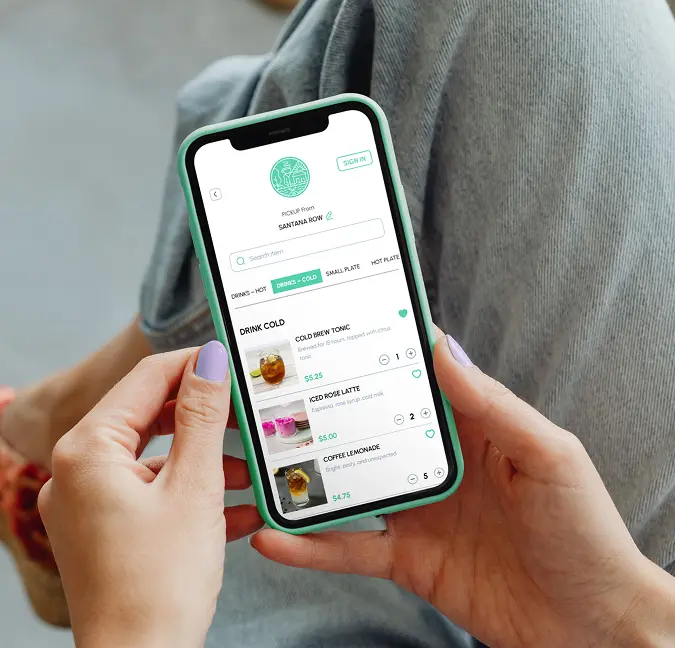
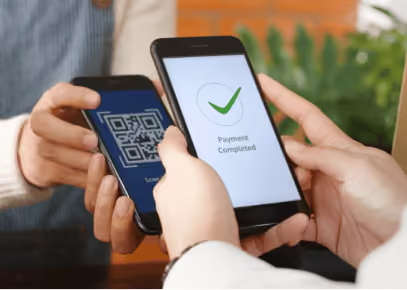
The platform supports branded online ordering, POS integrations, payment processing, delivery workflows, QR ordering, and customer engagement tools. With expert setup, restaurants can start selling online in as little as one day while keeping control over the guest experience and customer data.
During a dinner rush, every manual order creates another chance for delays, mistakes, or missed tickets. Restolabs reduces that pressure by automating order-taking, payment processing, and kitchen communication across direct ordering channels.
For a growing restaurant group, online ordering gets harder once every location has its own menu updates, delivery rules, and customer data. Restolabs brings those moving parts into one branded system, so operators can scale without losing control. Restolabs serves over 2,000 restaurants in 10+ countries with a proven record of reducing order time by 50%.
Pros:
- Launch direct online ordering quickly with expert setup and a restaurant-friendly onboarding process.
- Keep more revenue with commission-free pricing instead of paying a percentage on every direct order.
- Maintain ownership of customer data, so repeat marketing and loyalty efforts stay under the restaurant's control.
- Use flexible, contract-free plans that support growth without locking restaurants into rigid commitments.
- Manage orders across websites, mobile apps, social ordering, QR codes, and delivery workflows while keeping branding consistent.
- Explore the platform risk-free with a 30-day free trial before committing.
- Schedule catering orders up to three months ahead to manage large-volume events with confidence.
- Use intelligent order throttling to manage high-traffic periods and keep service smooth.
Cons:
- Some advanced marketing and loyalty features are still expanding, which may matter for restaurants looking for a fully mature marketing suite on day one.
Pricing: A 30-day free trial is available.
2. ChowNow — Best Option for Independent Restaurants Prioritizing Marketplace Visibility
ChowNow is an online food ordering marketplace platform that allows customers to place orders directly with restaurants and food trucks through their website or mobile app. Customers can choose to order ahead or place real-time pickup and delivery orders.
The platform also offers a white-label system, enabling restaurants to personalize the ordering experience with their branding and logo. Additionally, ChowNow's loyalty program is still in its early stages to reward repeat customers and features an "Order Ahead" option, allowing orders to be placed up to 24 hours in advance.
Customers can quickly pay online and track their orders, while restaurants receive instant notifications and manage orders in real-time. ChowNow also provides restaurants with tools to optimize their takeout and delivery operations, including analytics, reporting, and marketing features.
Pros:
- Enables customers to place orders directly from social media platforms, enhancing convenience.
- Includes marketing features to help retain regular customers and attract new ones.
- Offers various delivery solutions, allowing restaurants to choose what works best.
Cons:
- Can be an expensive choice for small and medium-sized restaurants, especially considering its limited features compared to competitors.
- The 8-mile delivery limit restricts restaurant reach, with anything beyond that falling on the restaurant to handle.
- Automated email marketing only sends 3 emails per month, and using a coupon from the first one halts the rest, limiting engagement.
- No direct integration with key POS systems, requiring third-party platforms and complicating data sync.
- Lacks Facebook and Instagram ordering integrations, missing out on social commerce opportunities.
- Subscription cancellations aren't straightforward; users must contact support via email.
Pricing:
3. Toast — Best Option for Restaurants Prioritizing POS-Led Operations
Toast is an all-in-one solution to streamline online ordering and in-house operations. It integrates a POS system with online ordering, managing dine-in, takeout, and delivery orders from a single platform, minimizing errors and improving efficiency.
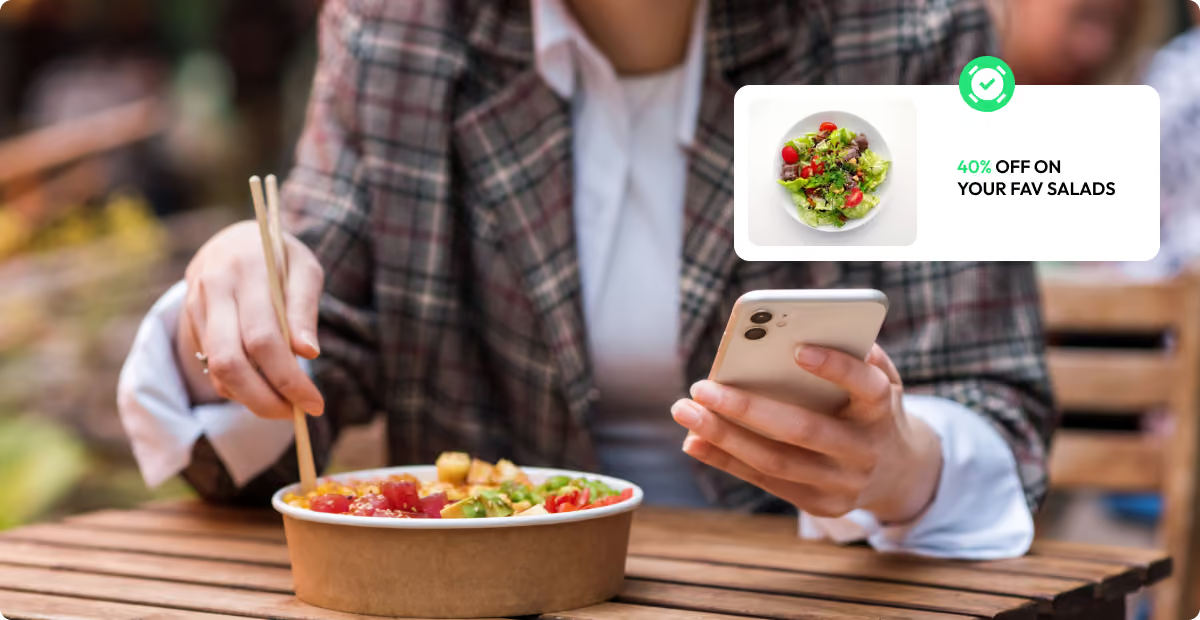
Toast offers tools for promotions, discounts, and loyalty programs to boost customer engagement. Detailed reporting tools provide valuable insights into sales, menu performance, and customer preferences, helping drive growth.
Pros:
- Combines in-house and online ordering, simplifying back-end operations and reducing the complexity of managing multiple systems.
- Includes integrated payment processing, ensuring smooth transactions and reducing the hassle of managing multiple payment providers.
- Users can easily customize menus and update items in real-time, allowing quick adjustments based on inventory or seasonal offerings.
- Beyond ordering, Toast provides tools for employee scheduling, payroll, and employee management, helping run all aspects of a restaurant from one platform.
- Suitable for small to large multi-location businesses seeking an all-in-one restaurant management solution. However, POS hardware costs and monthly fees can make it pricey.
Cons:
- Since Toast is primarily a POS platform, online ordering is offered as a complementary product rather than a core focus. Its online ecosystem is not built around dedicated online ordering software.
- Some users have reported experiencing frequent glitches during online orders, impacting both restaurant operations and customer experience.
- Orders placed by customers sometimes do not get reflected in the restaurant's system, leading to poor customer service and repeat order loss.
- Some Toast users have reported support and billing frustrations, especially when resolving subscription or refund issues. For restaurants that need online ordering as a core revenue channel, support responsiveness can become a deciding factor.
- Due to billing concerns, some customers have been overcharged, with limited resolution support from the platform.
Toast works well as a POS platform, but restaurants that depend on online ordering as a primary revenue channel may find better-focused alternatives for that specific need.
Pricing: Toast offers several pricing tiers. Businesses may also face additional fees for payment processing, add-ons, and hardware.
The digital ordering starting price of $75/month does not include loyalty, gift cards, email marketing, catering and events, or an exclusive website. When included as add-ons, restaurants may add another $300 to the monthly bill.
4. Popmenu — Best Option for Restaurants Prioritizing Website and Menu Marketing
Popmenu is a cloud-based restaurant management platform designed to streamline operations and boost efficiency. It offers a powerful menu management system, enabling restaurants to create, update, and organize menus easily. Popmenu enhances customer engagement with interactive menus, including online ordering and real-time diner reviews, helping increase sales and visibility.
The platform's marketing tools enable targeted campaigns, including text messaging, to drive repeat business. Additionally, Popmenu optimizes front-of-house operations with features like waitlisting and support for delivery and curbside pickup.
Pros:
- Features menus with photos and reviews to engage customers and drive conversions.
- Text marketing helps engage customers and personalize services.
- Brands can customize the website to fit their branding needs.
Cons:
- Popmenu's ordering flow requires multiple steps to complete a purchase, which can increase checkout abandonment and may affect Google ranking signals.
- Template designs are limited and may not reflect a restaurant's current visual identity without significant customization effort.
- Restaurants may find themselves in long contracts with costly exit options if the platform is not the right fit.
- Lacks a built-in loyalty program, missing the chance to drive repeat business and increase customer retention.
Pricing: Popmenu does not offer a free trial.
5. DoorDash Storefront — Best Option for Restaurants Already Using Marketplace Delivery
DoorDash Storefront is an online ordering tool designed for restaurants. It enables them to accept orders directly through their website using an easy-to-use page builder and order processing system—without incurring commission fees or monthly charges for those direct orders.
For restaurants already using DoorDash's marketplace, Storefront offers an additional way to capture orders. However, it does not allow businesses to differentiate their direct-order and marketplace menus.
DoorDash Storefront allows restaurants to access and download their customer data, enabling them to use third-party email platforms for customer marketing outreach. While Storefront offers essential features like customer analytics, multiple payment options, and Google integration, it lacks built-in marketing and loyalty features for direct customer engagement.
DoorDash Storefront is ideal for fast-casual restaurants, neighborhood spots, and ghost kitchens that want to streamline online orders without a complex setup.
Pros:
- The registration process is simple and quick. Restaurants can set up their profiles and begin receiving orders rapidly.
- Features like sponsored listings, promotional discounts, and featured spots in the app can increase visibility and attract more customers.
- DoorDash's strong brand recognition can enhance credibility, especially for smaller or newer restaurants.
Cons:
- Restaurants cannot use Storefront independently and are tied to DoorDash's 15–30% commission fees on marketplace orders. Direct orders also carry a 2.9% credit card fee plus $0.30 per order.
- While Storefront itself is commission-free, DoorDash also promotes its Marketplace experience. Restaurants may find that guests move between direct ordering and marketplace ordering, which can make ownership of the customer relationship less clear.
- Lack of delivery partner flexibility, as restaurants are locked into DoorDash's drivers and pricing.
Pricing: Commission-based pricing model.
Integration Comparison: POS, Payments, Delivery, and Customer Data
Many restaurants switching platforms are not looking to replace their entire tech stack—they want a better online ordering layer that connects cleanly with what already exists. Before committing to any alternative, verify the following integration points:
- POS compatibility: Does the platform inject orders directly into the existing POS, or does it require manual re-entry? Restolabs integrates with all major POS systems natively. ChowNow often requires third-party middleware.
- Payment processor support: Confirm which processors are accepted and whether there are hidden payment processing fees layered on top of the subscription.
- Delivery partner options: Some platforms lock restaurants into a single delivery network. Restolabs supports flexible delivery management without forcing a single provider relationship.
- Loyalty sync: If a restaurant already has a loyalty program, confirm whether the new ordering platform can connect to it without duplicating customer records or breaking reward redemption.
- Customer data export: Verify that the platform allows full customer data export at any time—not just through a monthly report or on contract exit.
- Menu sync: If menu changes need to propagate across multiple locations or third-party channels, test how quickly and reliably those updates reflect.
- Middleware dependency: Platforms requiring middleware add cost, complexity, and another potential point of failure between the order and the kitchen.
How to Choose the Right Online Ordering Solution
A restaurant does not feel a bad ordering platform in a spreadsheet first. It shows up when staff re-enter orders, guests abandon checkout, and the monthly bill keeps growing even when direct sales improve.
Key Evaluation Criteria
1. Integration Capabilities
Assess how well the platform integrates with an existing POS system, payment processors, and accounting software. Seamless integration eliminates double data entry and reduces operational friction.
2. Pricing Transparency
Look beyond the monthly subscription fee. Consider setup costs, transaction fees, commission structures, and hidden charges. Calculate the true cost of ownership over 12–24 months.
3. Scalability
Choose a platform that can grow with the business. Whether adding locations, increasing order volume, or expanding service offerings, the platform should accommodate growth without requiring a complete overhaul.
4. Customer Support Quality
Evaluate response times, support channels, and the quality of technical assistance. During peak hours or system issues, reliable support becomes critical to maintaining operations.
5. Feature Flexibility
Ensure the platform offers customization options for branding, menu management, and customer experience. The online presence should reflect each restaurant's unique identity.
6. Customer Data Ownership
When a guest orders directly, the restaurant should not lose visibility into who ordered, what they like, or when they are likely to return. Customer data is what turns one order into repeat revenue.
Platforms that limit data access make restaurants dependent on rented channels. Restolabs helps restaurants keep ownership of customer relationships, so every order can support smarter marketing and long-term growth.
Decision-Making Checklist
- ✓ Does the platform integrate with your current POS system?
- ✓ Are there any hidden fees or commission structures?
- ✓ How quickly can you launch and start accepting orders?
- ✓ Does it support your preferred payment methods?
- ✓ Can you maintain your brand identity across all touchpoints?
- ✓ Does the restaurant retain full ownership of its customer data after every order?
- ✓ What level of customer support is provided?
- ✓ Does the platform offer marketing and loyalty features?
- ✓ How does pricing scale with business growth?
- ✓ Does the platform offer contract-free, flexible plans without costly cancellation penalties?
- 🚩 Watch for: unclear fees, long contracts, limited data access, weak support, restricted integrations, poor checkout experience, and lack of brand control.
Platform Migration Checklist
When switching platforms, use this checklist to avoid common migration pitfalls:
- ☐ Export full customer data from the current platform before cancellation
- ☐ Import or rebuild the complete menu in the new system
- ☐ Confirm POS sync is live and tested before going public
- ☐ Configure delivery zones and pricing rules
- ☐ Set up payment
Why Restolabs is a Game-Changer for Your Restaurant?
Restolabs provides a branded online ordering platform that streamlines operations and strengthens your restaurant's brand, whether you have 3 or 10 locations.
With seamless integration capabilities with all major POS systems and loyalty programs, Restolabs ensures that your loyalty program works seamlessly with your online ordering platform.Used by over 2,000 restaurants in more than ten countries, Restolabs is trusted for its commission-free model, enabling restaurants to increase more profits and revenue.
Try our 30-day free trial to experience how Restolabs can optimize your operations and boost profitability. Sign up for a demo and transform your restaurant's online ordering experience.

Sruthi Sekar specializes in brand strategy, growth, and user experience in the hospitality industry. As the driving force behind Restolabs, she helps restaurants harness technology to scale and thrive. With a background in design, branding, and entrepreneurship, she brings a sharp focus on crafting digital experiences that drive real business impact.
Frequently Asked Questions
Restaurant owners report difficult integrations requiring self-implementation, limited customization options especially for loyalty programs, and high costs with a $500 monthly fee, 5% per order charge, and $1,000 setup cost. Many find the pricing doesn't justify the value compared to more affordable alternatives like Restolabs.
Restolabs can be set up and launched in under a week, allowing you to start accepting orders immediately. The platform offers a 30-day free trial and reduces order time by 50% with its no-sign-up checkout option, making it much faster to implement than competitors.
Key features include smooth online ordering, takeaway and pre-ordering capabilities, table reservations, catering management, SEO-optimized website, easy-to-use interface, high-quality item images, integrated payment processing, robust loyalty programs, real-time order management, and customizable delivery options. A unified system combining ordering and marketing ensures seamless operations.
Restolabs offers the most affordable option starting at $69/month with a free trial, while ChowNow ranges from $119-$298/month, Toast starts at $75/month plus additional fees, PopMenu costs $500/month with $1,300 setup fees, and DoorDash Storefront is commission-free but ties you to their 15-30% marketplace fees.
Yes, platforms like Restolabs offer seamless integration with all major POS systems and loyalty programs while maintaining custom-branded URLs across all digital touchpoints. However, some alternatives like ChowNow lack direct POS integration, requiring third-party platforms that complicate data synchronization.







.webp)

.svg)
.webp)